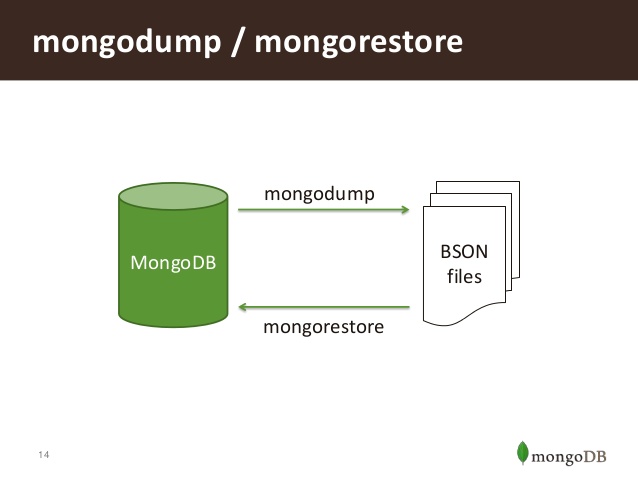

MongoDB: Shell script to Take automatic hot backup in Mongodb
1. Create a directory "auto_backup".
2. Create "autobackup.sh"
DIR=
date +%d%m%yDEST=auto_backup/$DIR
mkdir $DEST
mongodump -d -o $DEST
3. chmod +X autobackup.sh
4. Go to cron tab in Ubuntu
sudo crontab -e
in centos
sudo vim /etc/crontab
m h dm M dw UserName Path of your .sh file
1 0 * * * username /home/username/auto_backup_script.sh
m: Minutes (0-59)
h: Hours (0-23)
dm: Day of Month (1-31)
M: Month(1-12)
dw: day of week (0 - 6) (Sunday=0 or 7)
username: System Username
Save it.
and Restart your cron service.